
Kuula Alternative: 360are vs Kuula
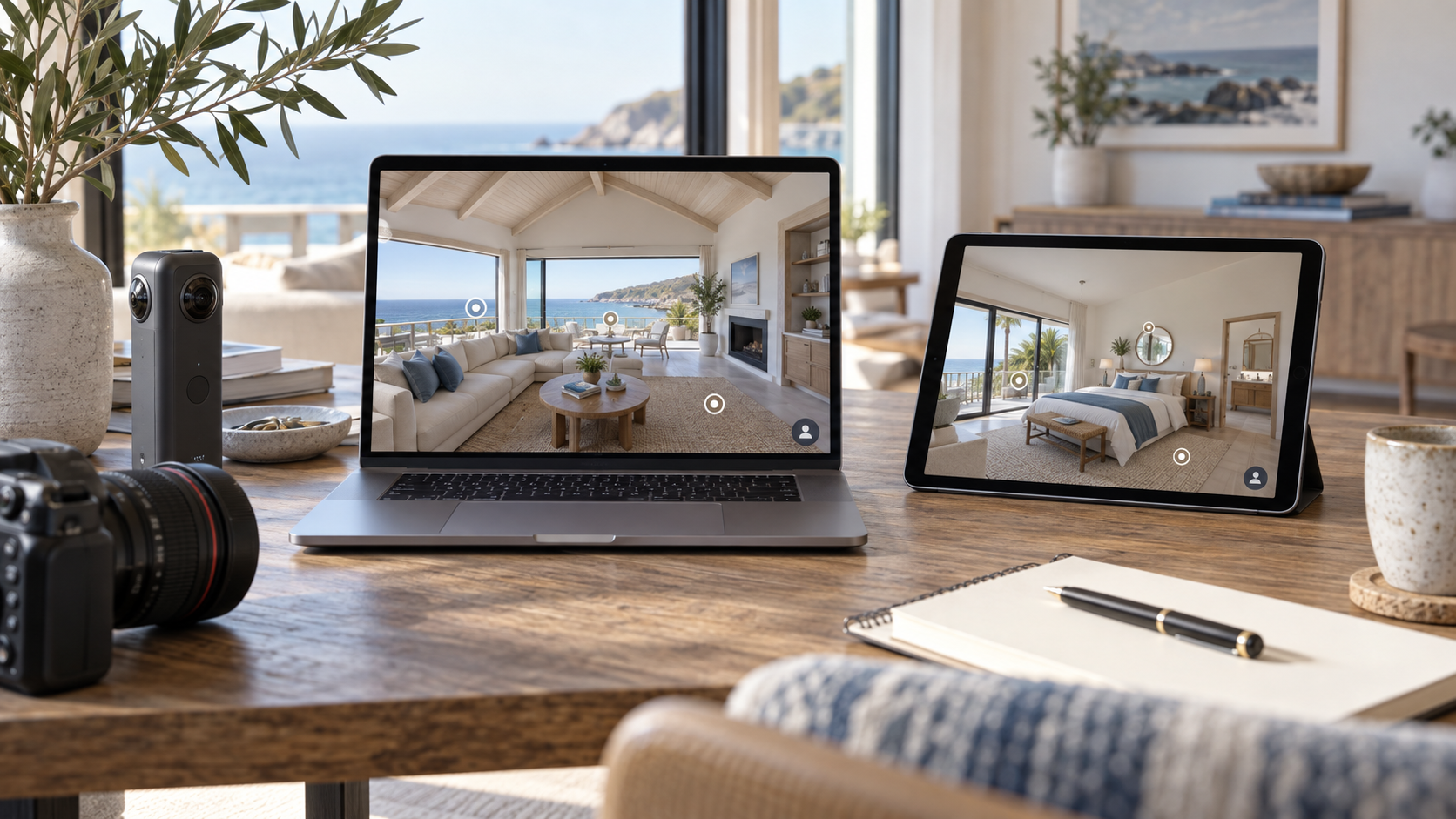
Illustrative image; not a product screenshot.
Published by 360are. Prices and plan details reviewed September 26, 2026. Prices are in USD; annual equivalents require annual billing. Confirm current terms and applicable taxes with each provider before subscribing.
360are is a practical Kuula alternative when you want affordable published tours and a clear path to lead capture, branding, and CRM. PLUS starts at $5.99 per month with annual billing, while BUSINESS brings the customer-facing and follow-up tools together.
Kuula is an established panorama publishing option. The decision is less about whether you can upload a 360 photo and more about what happens after someone opens your tour.
360are vs Kuula pricing
| Plan | Month-to-month | Annual subscription | Main scope |
|---|---|---|---|
| 360are PLUS | $10/month | $71.88/year ($5.99/month) | Unlimited published tours, lead capture |
| 360are BUSINESS | $25/month | $239.88/year ($19.99/month) | Branding, CRM, AI Chat, interactive floor-plan map |
| Kuula PRO | $24/month | $240/year ($20/month) | Tour editor, custom logo, audio, unlisted tours |
| Kuula Business | $48/month | $432/year ($36/month) | Custom domain, multiple logos, access controls, analytics |
Sources: 360are plans and Kuula plans and billing selector. Kuula PRO allows 100,000 posts; Business lists unlimited posts and tours. Annual amounts are paid annually, not monthly installments.
360are PLUS is $168.12 less per year than Kuula PRO at these rates. BUSINESS is $192.12 less per year than Kuula Business. Those savings are useful starting points, but the plans have different features: choose the tools you will actually use.
What can you do for free?
360are FREE lets you host, share, and embed individual panoramas, and build and preview draft tours. Publishing a complete multi-scene tour requires PLUS or higher.
Kuula BASIC permits 300 posts in total and 100 uploads per month. Its free-plan explanation makes an important distinction: visitors can browse photos and thumbnail navigation, but hotspots are visible only to the creator; visitor-facing hotspots and audio require a paid plan.
Test the actual visitor experience on either platform. A tour looking complete inside an editor does not necessarily mean all of its controls are available to the public on a free account.
Where 360are offers strong value
Publish an expanding portfolio without counting active tours
With PLUS, you can publish tours for listings, vacation rentals, businesses, and your own portfolio under one unlimited-tour plan. Start with your existing stitched photos, follow the tour creation guide, and connect scenes into a logical walking route.
Camera flexibility is shared by many panorama platforms, including Kuula. The benefit of 360are is the combination of accessible pricing and the workflow around those images—not a claim that only 360are works with exported panoramas.
Connect viewing to follow-up
On PLUS, enable a lead form so visitors can send an inquiry and you receive an email notification. On BUSINESS, use the CRM to review submitted leads and import your own contacts.
BUSINESS also includes AI Chat, with 1,000 questions per month across the account and $0.02 per additional question. This gives property marketers a way to answer common questions alongside the tour. Configure it with accurate property information and monitor usage.
Add your identity and deliver the right link
BUSINESS includes account branding, a custom subdomain, and a personalized landing page. Your own domain can be configured on request. It also provides an unbranded MLS presentation: follow the branding and MLS guide, then inspect the exact link before sending it to an agent.
Use the ordinary tour link when you want visitors to see lead capture and AI Chat, because the MLS version hides those controls. The share and embed guide covers website delivery.
When an existing Kuula workflow may still matter
If your clients depend on Kuula's password or permission-based access controls, multiple-logo workflow, or an established delivery process, test those requirements before switching. A private or unlisted tour is not automatically equivalent to password protection. Kuula's plan table describes these paid options.
For most comparisons, a representative project is more useful than a long feature checklist. Rebuild one tour from your original images, test it on desktop and mobile, submit a test inquiry, and check the embedded presentation. Existing Kuula links and project settings do not transfer automatically.
Choose 360are when you want a low publishing cost and a straightforward route from viewing to inquiry management. Explore current plans, or compare another panorama platform in 360are vs CloudPano.